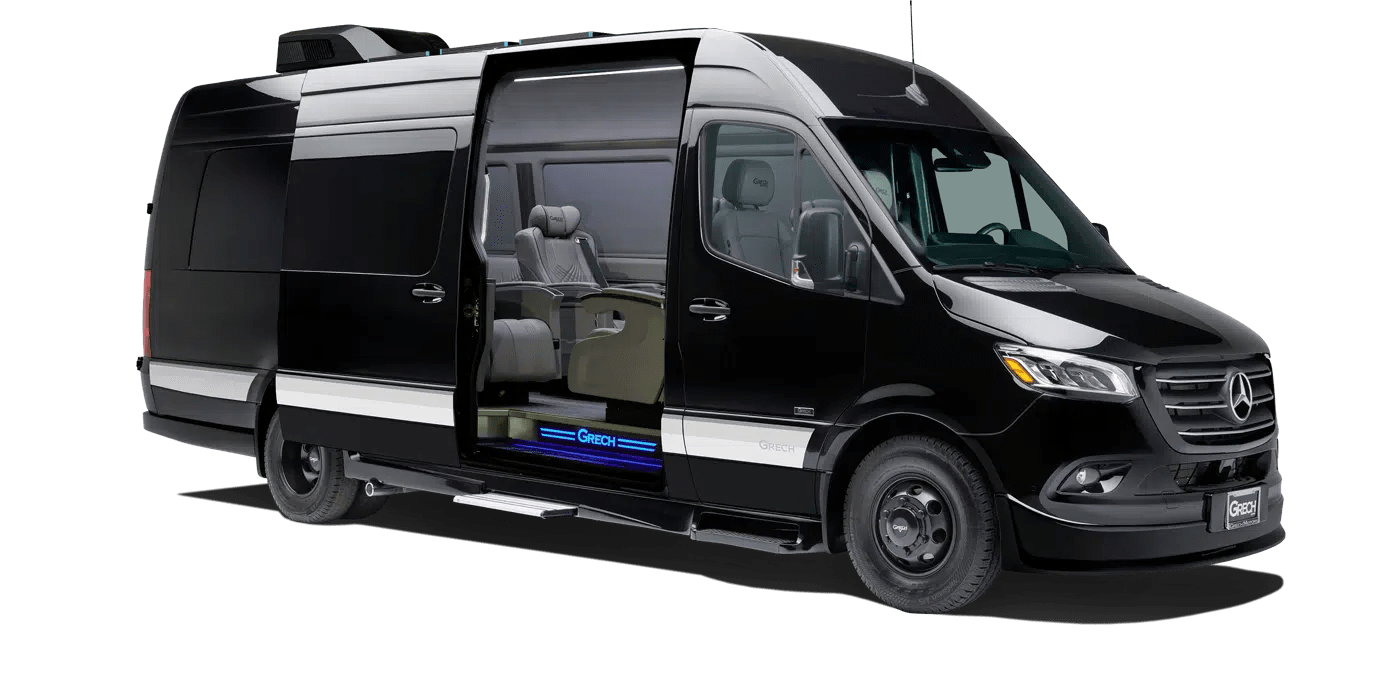
After you book
What you and your passengers see once a journey is confirmed, from the confirmation email to the invoice. These are the real screens, shown with sample bookings.
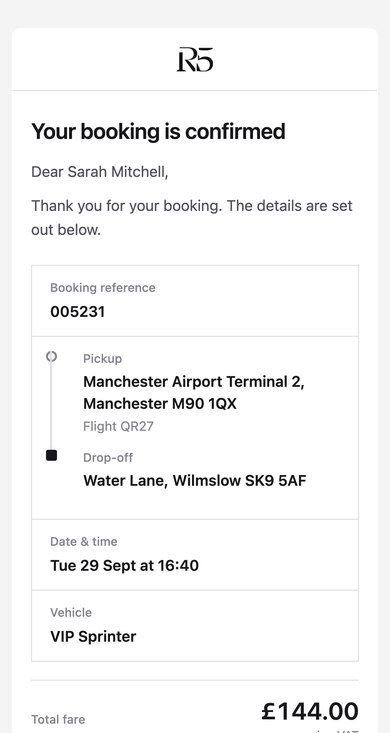
The confirmation
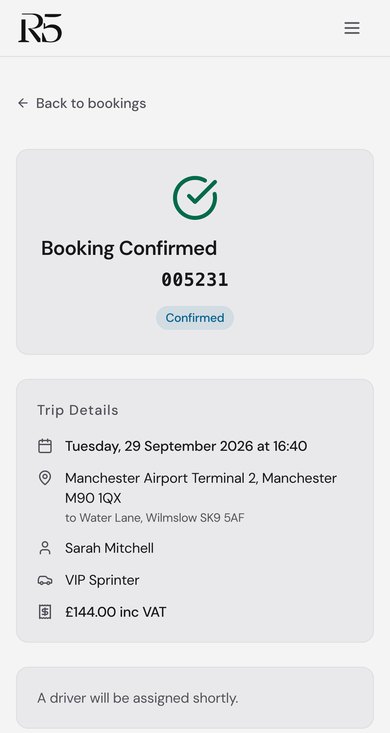
Every booking is confirmed by email. It shows the booking reference, the pickup and drop-off, the flight number for an airport pickup, the date and time, the vehicle and the fare inc VAT.
From the email you can track the journey, add it to your calendar or open your bookings. We send the chauffeur's details once we've assigned them.
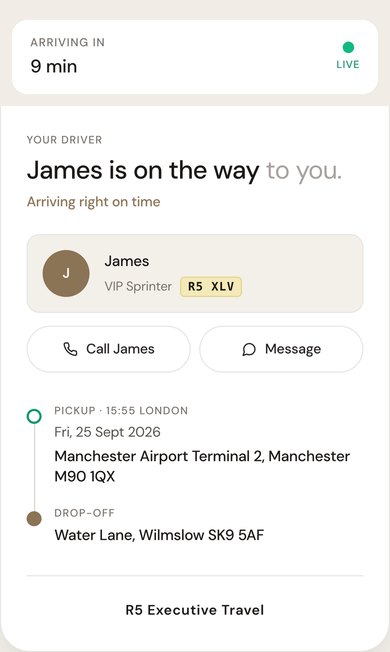
A tracking link on the day
On the day, the passenger gets a private link that opens in the browser, with nothing to download and no sign-in.
While the chauffeur is on the way it shows a live arrival estimate, the chauffeur's first name, the vehicle and its registration, with buttons to call or message them. Airport pickups show the meeting point we confirm for your booking, and the page changes when the chauffeur arrives.
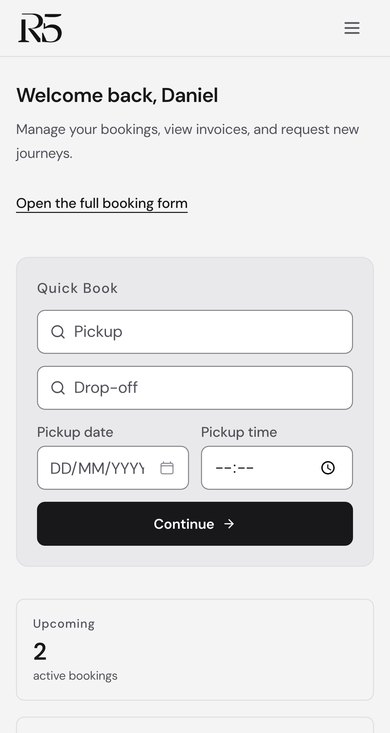
Manage my bookings
Bookers sign in with a link sent by email, with no password to remember. You can see upcoming and past journeys, send a new booking request, rebook a past journey and keep a list of regular passengers.
More than 24 hours before pickup you can reschedule or cancel a booking yourself, or add it to your calendar. Our booking terms still apply to changes and cancellations.
Invoices
The Invoices tab shows what's outstanding and when it's due. Each invoice opens to its line items and VAT, downloads as a PDF, and can be paid online by card where card payment is set up for your account.
Approved accounts get one VAT invoice a month on 30-day terms, with a PO number and cost code per journey where you ask for them.
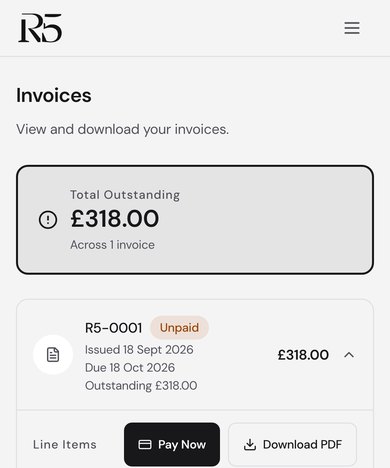
Screens shown with sample bookings. Names, references and addresses are for illustration only.
Production transport
Plan your journey
Request a fixed-price quote, or call the team directly.